

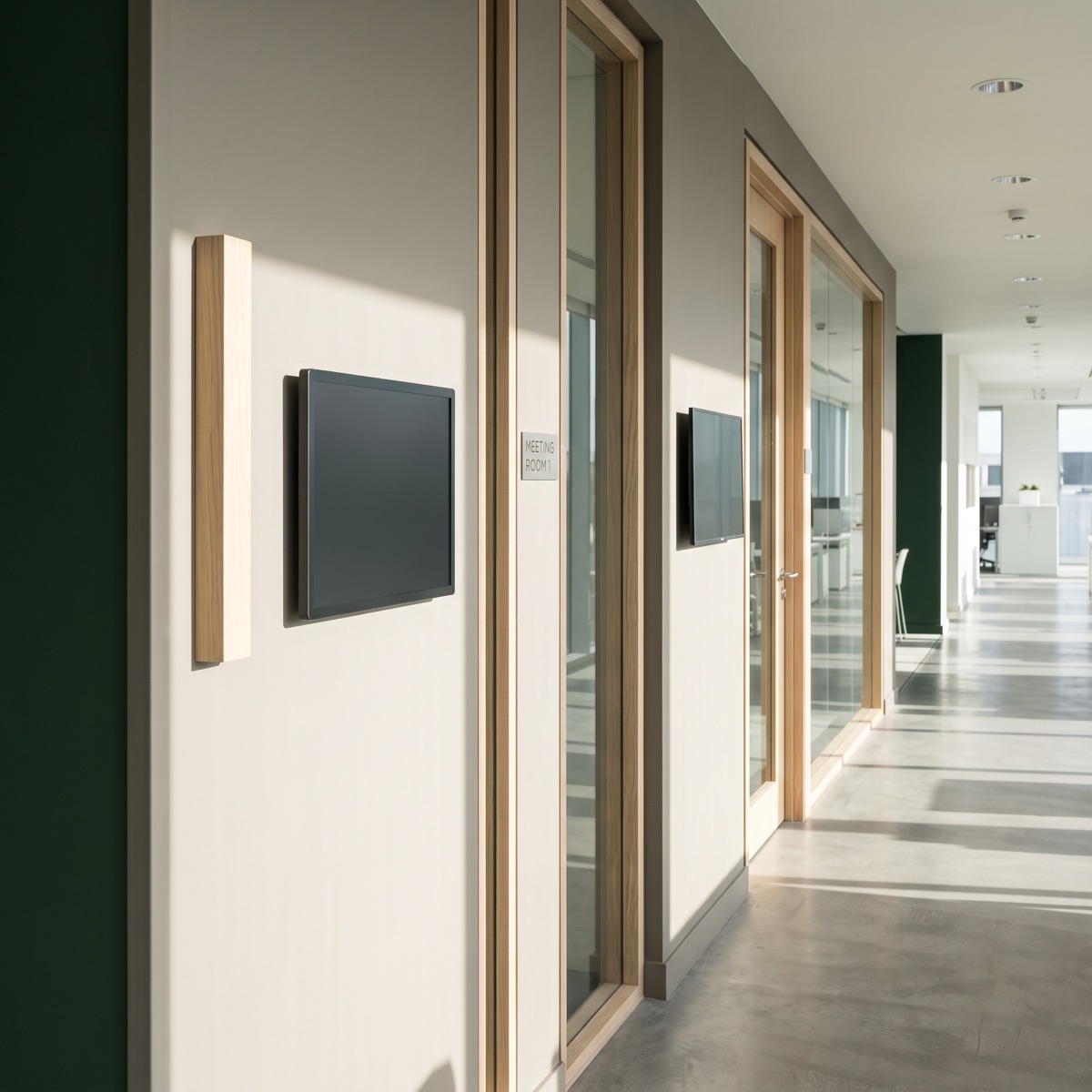
We make e-paper, so the bias is declared up front. An LCD still belongs on the surfaces built for one: a panel specified for the wrong job becomes a support ticket with our name on it, which is why we would rather help you split the estate correctly than sell you the wrong thing twice.
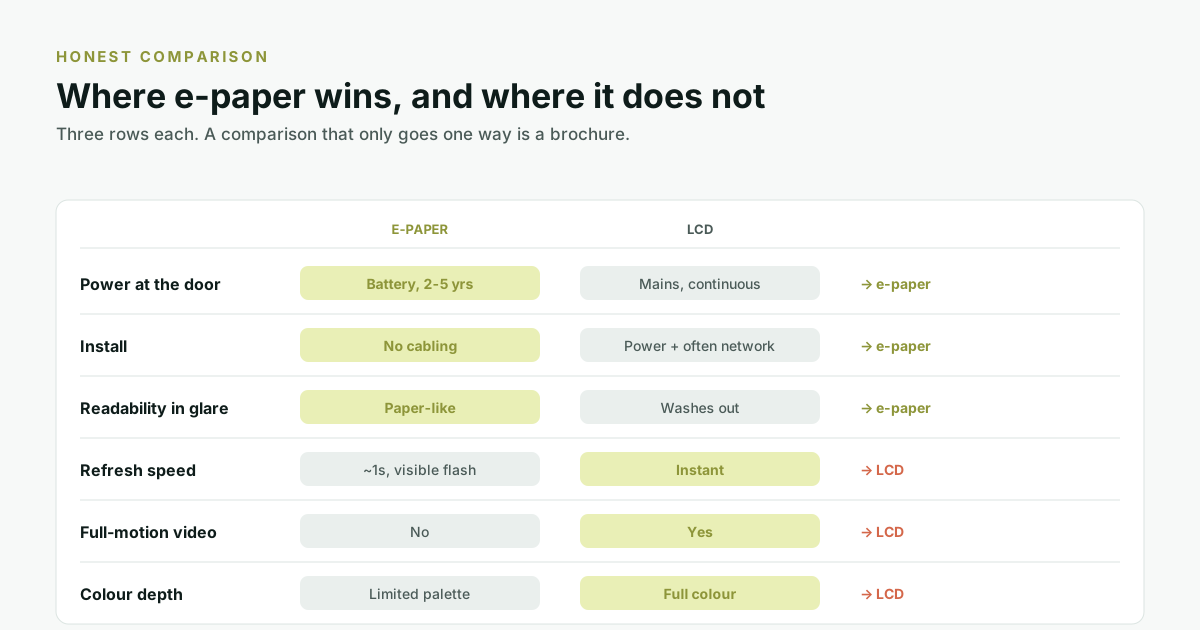
The short version: e-paper owns everything to do with getting a screen onto a door and keeping it there. LCD owns everything to do with motion and colour once it is there. Which matters more is a property of the surface, not of the technology.
What e-paper is built for
Power at the door
An LCD needs mains power, continuously, because its image only exists while it is being redrawn. E-paper is bistable. The image is a physical arrangement of particles that stays put with the power off, so a panel runs on a battery for years. The physics is covered in why an e-paper panel runs for years on one battery.
This is not a green talking point. It is the row that determines whether the project happens at all, because the cable is the expensive part.
Installation
Getting mains power and usually a network drop to a meeting room door in a finished building means an electrician, a cable route, containment, and making good afterwards. In a glass-partitioned floor it may mean a floor box and a channel through the partition. A battery panel is screwed to the wall.
Readability in glare
E-paper reflects ambient light instead of emitting its own, so it behaves like paper: the brighter the corridor, the more legible it gets. An LCD does the opposite. In the bright, glazed circulation spaces most Indian offices have, this is a real and visible difference rather than a specification.
What an LCD is built for
Refresh speed
An e-paper refresh takes roughly a second and carries a visible flash as the particles reposition. That is exactly right for a booking that changes a few times a day, and the wrong tool for a surface somebody is standing in front of waiting for a response. Interactive surfaces are an LCD job.
Full-motion video
E-paper does not do motion, by design. Holding a still image at zero power is the same property that rules out video. Any surface whose job includes a welcome video, a livestream, a queue animation or a rotating showreel is an LCD surface, and we would specify one.
Colour depth
E-paper colour has come a long way. Truink panels include BWRY and up to six-colour options, and it is a palette rather than a full gamut. That is ample for status, wayfinding and room information, and not the right choice for brand photography or gradient-heavy design. Marketing surfaces want an LCD.
So which should you buy?
Answer the building's questions rather than the technology's.
| If the surface... | Then | Because |
|---|---|---|
| Is on a door with no power nearby | E-paper | The cable cost dominates everything else. |
| Shows a booking that changes a few times a day | E-paper | Refresh count is low, battery life is long. |
| Sits in a bright glazed corridor | E-paper | An LCD washes out exactly where people walk past. |
| Must show video or a showreel | LCD | E-paper cannot, at any price. |
| Is touched and must respond instantly | LCD | A one-second refresh reads as a broken tap. |
| Carries brand photography | LCD | A palette is not a gamut. |
| Is a lobby feature wall | LCD | Nothing about that surface is constrained by cabling. |
The answer most estates land on
Both. E-paper on the room doors, where there are many surfaces, each showing slow-changing text, in places a cable does not reach. LCD in the lobby and on the feature walls, where there are few surfaces, power is already there, and the content is doing marketing work.
The reason this matters commercially is that a floor with twenty meeting rooms has twenty doors and one lobby. The doors are where the count is, and the count is where the cabling cost lives.
What to ask whoever is selling you either
- For e-paper: what is the battery life at my refresh rate, not in general?
- For e-paper: what does the refresh flash look like, and can I see one in person before I commit to fifty?
- For LCD: what is the actual installed cost per door including electrical work and making good, not the panel price?
- For LCD: what happens to the floor when the circuit those panels share trips?
- For both: does the panel tell me when it has stopped updating, and where does that alert land?
Where we sit
We make e-paper, and it earns its place on the doors where the argument above holds rather than in a lobby where it does not. truink covers the panel side; truRooms is the scheduling software behind it, and runs equally well driving somebody else's LCD panels.
Frequently asked questions
Is e-paper better than LCD for meeting room panels?
They are built for different jobs. For the door itself e-paper is usually right, because it needs no cabling and stays readable in bright corridors. For anything showing video, responding instantly to touch, or carrying brand photography, an LCD is the correct specification. Most estates use both.
What is an LCD panel better suited to?
Full-motion video, instant refresh rather than about a second, and full-gamut colour. Those are the requirements of lobby feature walls, interactive kiosks and marketing surfaces, and they are the surfaces we would put an LCD on.
Why does e-paper flash when it updates?
The particles have to be driven to new positions, and a full refresh inverts the screen briefly to clear any residual image. It takes roughly a second. It is normal, but worth seeing in person before committing to a large deployment, because people who have not seen one read it as a fault.
Does e-paper work in bright sunlight?
Yes, better than an LCD does. E-paper reflects ambient light rather than emitting its own, so more light makes it more readable, in the same way paper works outdoors. LCDs wash out under the same conditions.
Can I mix e-paper and LCD in one building?
Yes, and most estates do. The sensible split is e-paper on room doors, where there are many low-change surfaces in places cabling does not reach, and LCD in lobbies and feature walls, where power already exists and the content is doing marketing work.
Which is cheaper overall?
For a door with no power nearby, e-paper, because the electrical and network work usually costs more than the panel. Where power and network already terminate at the surface, the gap narrows and the decision should be made on capability instead.