
A whiteboard on the room display
Pen, marker, highlighter and eraser, with six inks, three sizes, undo and redo. The drawing is kept when the whiteboard is closed and reopened.
Touch-screen displayConnect to the room from your phone or laptop, paste any meeting link, and the room joins with its own camera, microphone and speakers.
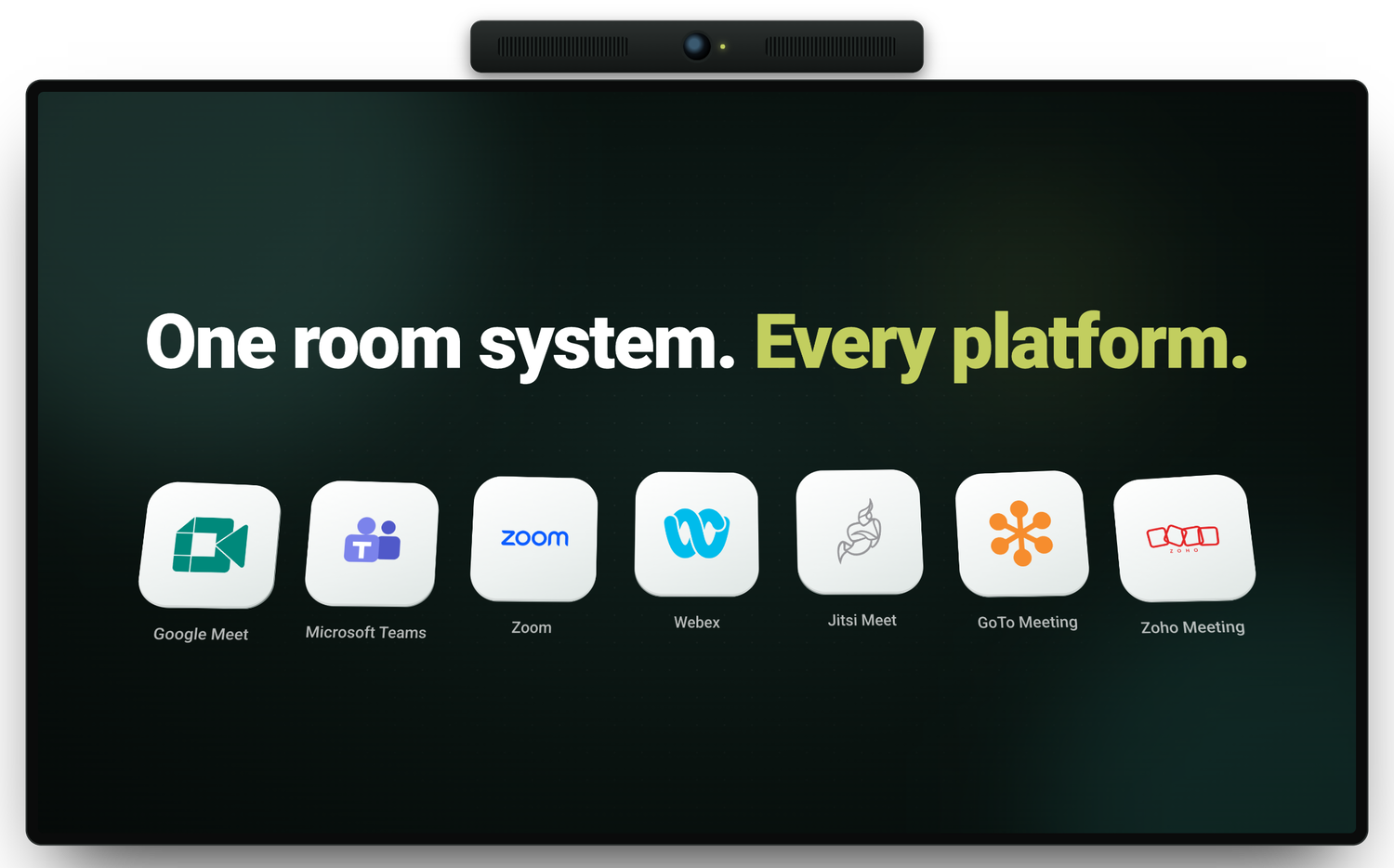
Google Meet, Microsoft Teams, Zoom, Webex and many more, joined from the same room hardware. The organiser chooses the platform; the room adapts to it.
Connect from a phone or laptop, paste the link, tap join. Join any call in seconds, with no wires, cables or adapters to sort out first.
No HDMI cable, no dongle, no puck on the table. Joining, control and screen sharing all happen over the room’s Wi-Fi, from the phone or laptop people already carry.
Scan the QR on the room screen, or open the address it shows in a laptop browser. Type the PIN, paste the link and tap Join in this room. Nothing to install, no account to create, no tablet on the table to find.
The QR code rotates every minute, so a photograph of the screen expires almost immediately. Scanning alone grants no access: the PIN is visible only inside the room, and three incorrect attempts invalidate the code.
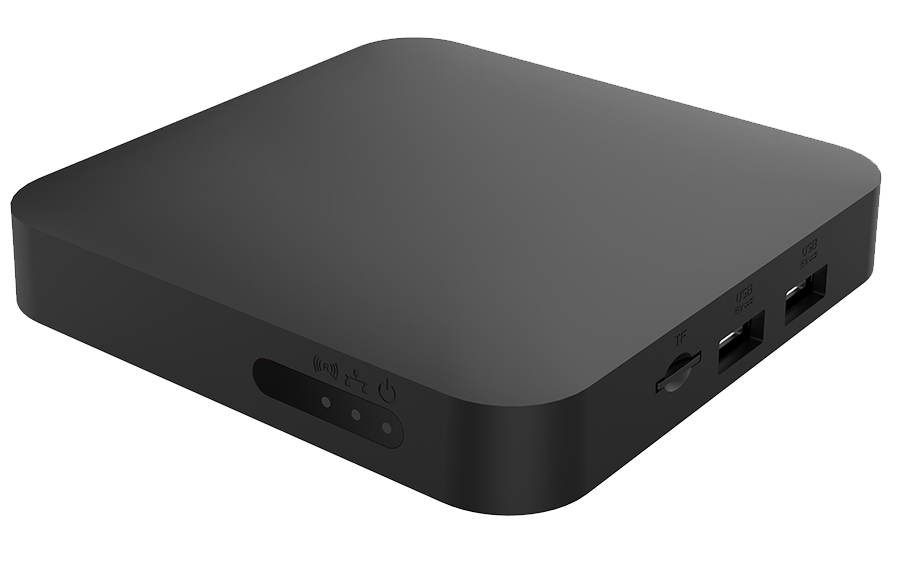
Connect drives the display, camera, microphone and speakers already installed in the room, running on a truRooms Box or a standard mini PC. No proprietary camera or speaker bar is required.
Whiteboarding and annotation on touch-screen room displays, and multi-screen sharing on any display. The whiteboard and annotation can each be switched off in the room’s settings.
Pen, marker, highlighter and eraser, with six inks, three sizes, undo and redo. The drawing is kept when the whiteboard is closed and reopened.
Touch-screen displayMark up a shared screen directly on the room display to highlight the point under discussion. Annotations belong to that share and clear when it ends.
Touch-screen displayUp to four laptops can share to the room display together, tiled side by side, for comparisons without handing over the screen.
When the room is also scheduled in truRooms, Connect knows what is booked, when it ends, and whether the room is booked at all.
The room already knows what is booked in it. The meeting shows on the screen with a Join button: no link to find, no code to type.
With truRoomsA reminder appears on the room screen before the slot runs out, so the next team is not left waiting at the door.
With truRoomsTurn on one setting and calls and screen sharing work only during a booked meeting. Built for coworking spaces, where the room is what members pay for.
With truRoomsExpand any module for the technical detail.
Coming very soon
One room system for every meeting platform your organisation uses. Share your room requirements with our team to register for early access.
Make your screens work for you. Make your spaces as efficient as the people using them.
sales@elhi.tech·support@elhi.tech·Delhi, INDIA